
Ever wondered why your website feels slow even after doing “everything right”? Or why Google PageSpeed keeps yelling at you about “Serve images in next-gen formats”?
Well you’re not alone. A surprising number of site owners still use PNGs everywhere, without realizing how much these heavy files drag down loading speed, SEO, and overall user experience.
Before jumping into the benefits, let’s answer the big question:
What exactly is WebP?
WebP is a modern image format made by Google, designed to replace old formats like PNG and JPEG. It gives you:
Basically, it’s like PNG… but way lighter.
Does WebP support transparent backgrounds?
Yep, just like PNG. That’s why designers and website owners love it.
Why is it replacing PNG?
Because the web is getting faster, smarter, and more mobile-focused — and PNG simply can’t keep up.
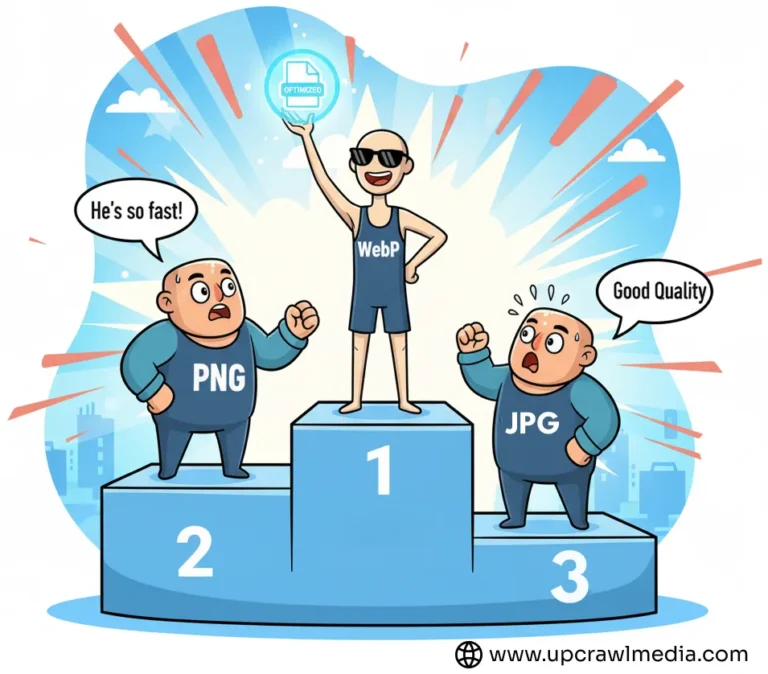
You should convert PNG to WebP because WebP gives you the same visual quality as PNG but with a much smaller file size, which helps your website load faster. Faster-loading images improve your SEO, boost your Core Web Vitals, reduce bounce rates, and create a smoother experience for both mobile and desktop users. WebP also supports transparency, works in all modern browsers, and lowers your storage and bandwidth costs.
In short, WebP is a lighter, faster, and more modern version of PNG—so switching to WebP helps your site perform better without sacrificing quality.
Most people want simple, practical answers. So here we go:
WebP Files Are Much Smaller Than PNG
PNG is known for being bulky, especially if there’s transparency or detailed graphics.
WebP reduces this by 30–70% without visible quality loss.
Imagine cutting your image size in half instantly — without doing anything complicated.
Faster Loading = Better SEO
Google loves fast websites.
Core Web Vitals literally depend on how quickly your images load.
By using WebP instead of PNG, you improve:
And faster websites rank higher. It’s that simple.
Better Experience for Mobile Users
More than 70% of users browse on mobile today.
Slow-loading PNGs drain data and frustrate visitors.
WebP is lighter, faster, and made to load smoothly on all devices.
Reduced Storage & Hosting Costs
When image sizes drop, you save:
Useful if you run a blog, e-commerce store, portfolio website, or anything image-heavy.
WebP Works in All Modern Browsers (Yes, 2025 Update)
Back in the day, Safari caused a lot of headaches because it didn’t support WebP.
But now?
All modern browsers support WebP perfectly.
No compatibility worries anymore.
This is where most articles stay silent — but honesty builds trust.
There are cases where PNG might still be better:
Designers should keep the original PNG for editing or print purposes.
Some older CMS, email builders, or no-code tools still prefer PNG.
WebP has lossless mode, but PNG is still the king for ultra-precise images.
But apart from these exceptions, WebP wins almost every time.
This is the most common practical question:
“How do I convert PNG to WebP without coding or Photoshop?”
You don’t need software, plugins, or tech skills.
Just use a simple, fast online tool.
You get:
Perfect for bloggers, business owners, designers, ecom sellers, and anyone who wants faster-loading images.
If you’re going to use a converter
Why not use one that’s built for speed and simplicity?
Here’s what makes UpCrawlMedia stand out:
Fast Processing
Your PNGs convert to WebP in seconds.
Secure & Private
No files stored. Everything happens in your browser.
Quality Preserved
Get smaller files without ruining your design or clarity.
Free For Life
This tool wil remain free for life, with no daily limits that’s our promise to you.
If your goal is:
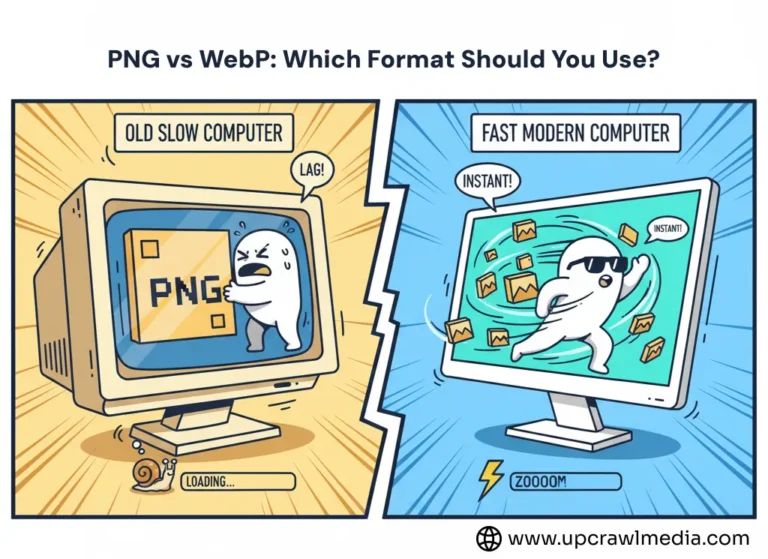
Then WebP wins — every single time.
PNG is still useful for:
But for the web?
WebP is the future.
Here are some practical tips most beginners don’t know:
1. Keep Your Original PNG as Backup
Always store your raw PNG files.
2. Compress WebP Further for Maximum Performance
Tools like UpCrawlMedia Image Compressor can help.
3.Use WebP for Hero Banners, Product Images & Blog Thumbnails
These are the heaviest images on any website.
4. Combine WebP + Lazy Loading
This gives an even bigger speed boost.
If you care about speed, SEO, user experience, or even hosting costs…
then yes, converting PNG to WebP is absolutely worth it.
It’s one of the simplest optimization steps with the highest return.
And with tools like the free UpCrawlMedia PNG to WebP Converter, you can do it in seconds — without apps, signups, or technical knowledge.
Small change.
Big impact.
Better results.
Try it once… and you’ll wonder why you didn’t switch earlier.
Not really. WebP is designed to keep image quality almost identical while making the file lighter.
Absolutely — WebP fully supports transparency just like PNG.
Yes, smaller images = faster site = better SEO rankings.
Yes, you can reconvert anytime using an online tool.
Yes. Chrome, Firefox, Safari, Edge, Opera — all major browsers fully support WebP in 2025. You no longer have to worry about compatibility issues.
If the tool processes files locally in your browser and doesn’t store uploads, then yes — it’s completely safe. UpCrawlMedia does not save or store your images.
Yes, you can easily convert WebP back to PNG using the same type of online tools. It’s a completely reversible process. If you ever need to switch formats again, you can use our WebP to PNG Converter or explore the full list of tools in our free tools gallery.
